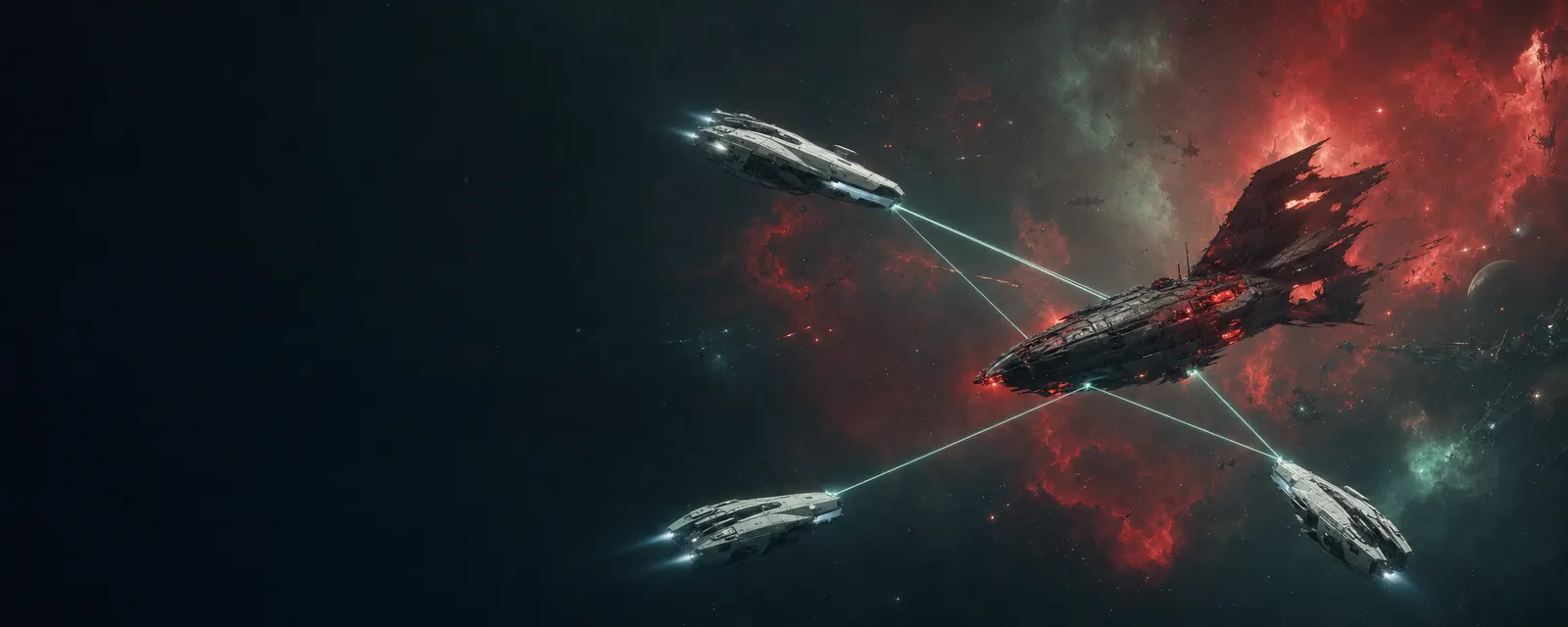
Now and then a system gets space weather: a storm that changes how it flies for 4 to 10 minutes. You always get a minute's warning. Vela tells you what's coming, a card on your HUD counts down, and the Star Map shows the storm before it starts. In Core space no storm can hurt you, so you can stay and watch.
Steps
- When Vela warns you, read the card: it says what the storm will do and when it starts.
- Decide: leave, get ready, or make the most of it. Miners head for the debris a meteor shower leaves behind.
- Hover the weather badge under your system info at any time to see what the storm does right now.
The three kinds
| Storm | What it does | The upside |
|---|---|---|
| Ion storm | Lock range and lock speed drop (about a third in the Frontier, less in Core space), jammers work better, and probe scans are weaker. The Scope and brackets crackle with static. | Small ships take even longer to lock, and the cloak after a jump lasts longer: a good time for an ambush. |
| Meteor shower | Rocks fall through one zone of the system. Each one is shown a moment before it lands. Keep moving and they miss; sit still and they hit your shields and armour. They never touch your hull, and in Core space they do no damage at all. | Meteor Debris fields open halfway through and at the end, with richer ore than the system's belts. They last about 15 minutes. |
| Solar flare | The star swells. Your reactor drains slowly, and close to the star (within 5 AU) your racks heat up. | Shields recharge twice as fast. |
Tip
Heat from a flare does nothing on its own. It only matters if you overheat a rack near the star: hot racks damage overheated modules faster.
Where to see it
- Your HUD: the warning card before a storm, then a badge with the time left. Its tooltip lists the effects with numbers.
- The Star Map: a Weather layer marks storms that are active and storms about to start.
- The website lists the storms running now.
- What's next lists a meteor shower worth flying into, or a calm system next door while a storm sits on yours.