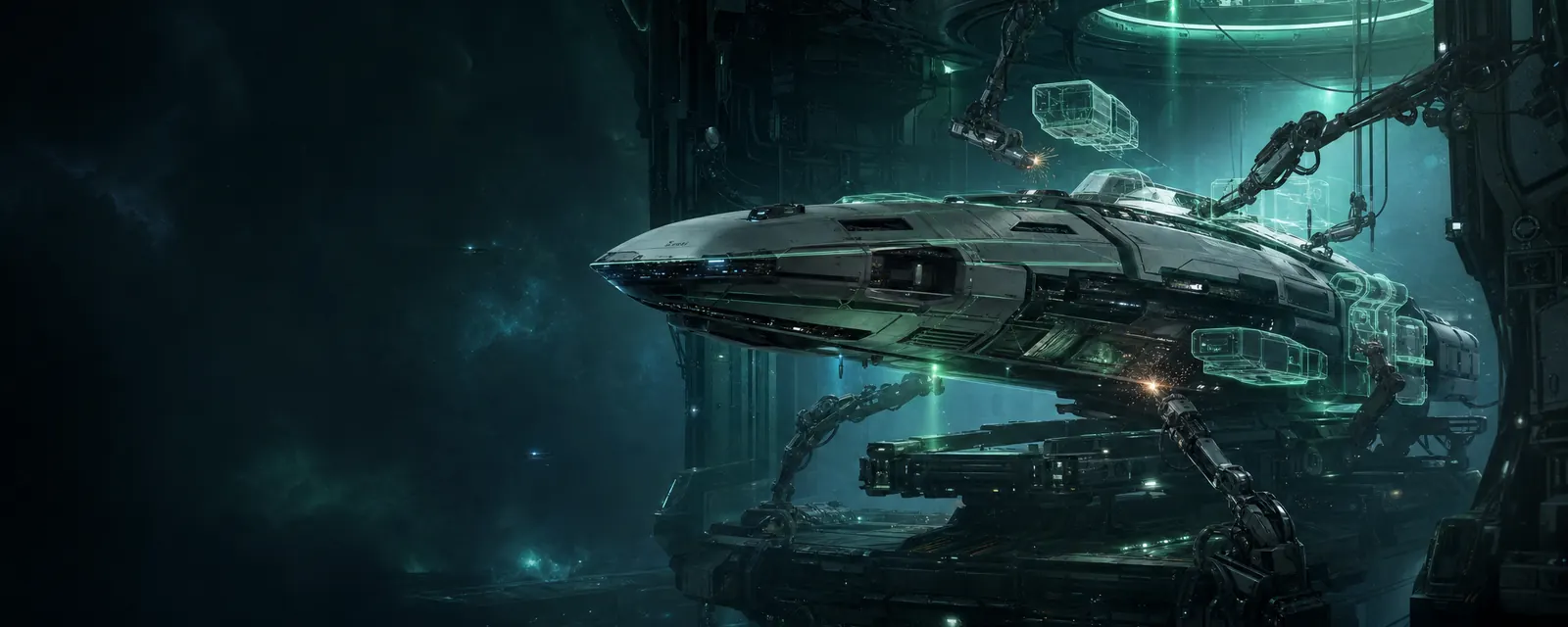
Mote light combat drones fight alongside your ship. Buy them at a station market and move them into your ship's cargo. Each takes 5 m³. Most hulls control one to three drones; the Swift interceptor has no drone control channels.
Launch and engage
Open Drone bay from the Neocom. It starts as a small control panel with command buttons and drone status; use the down-chevron for flight details and the up-chevron to return to the bar. Hover or long-press a control to see its action. Launch Mote sends out one combat drone. Each launch uses one free control channel. Lock a target within 20 km, select it, then choose Engage target. Your weapons safety applies to drone attacks, and you are responsible for their aggression.
Drones stop attacking if you lose the lock or the target leaves control range. Return and orbit brings them back around your ship without putting them away. Recall to bay retrieves the whole flight.
Keep your flight alive
Drones have shield, armor and hull, and opponents can target them. Recall damaged drones: once aboard, they take ten seconds to service before you can launch again. A destroyed drone is lost and must be replaced.
Deployed drones still occupy cargo space. Recall them before transferring them to another hold. Slip travel waits for the flight to return. Docking and gate jumps recall the flight, then continue automatically. Giving a new flight order cancels the pending trip.
Faster commands
Use AltD to launch one available drone, ⇧F to engage the selected locked target, and ⇧R to recall the whole flight. You can change these in key bindings. The target menu and radial menu also offer drone commands.
The bay shows each drone’s target, distance and condition. Damage and loss alerts help you recall a flight before it is destroyed.
Mining with Sift drones
Buy Sift Mining Drones at a station market for a base price of 20,000 credits each. Move them into cargo, undock and choose Launch Sift. Each takes 5 m³ and shares the same control channels as combat drones; launch one at a time to choose your mix.
Lock an asteroid within 20 km and choose Mine asteroid, or press ⇧F. Each Sift approaches the rock and transfers up to 8 m³ of ore every six seconds into your cargo hold. Combat drones keep their existing orders while the Sifts mine.
Mining stops when the hold is full, the asteroid runs out, or the target lock or control range is lost. The bay shows why. Clear cargo space or select another asteroid, then give the mining command again. Sifts can be destroyed, so recall them when threatened.