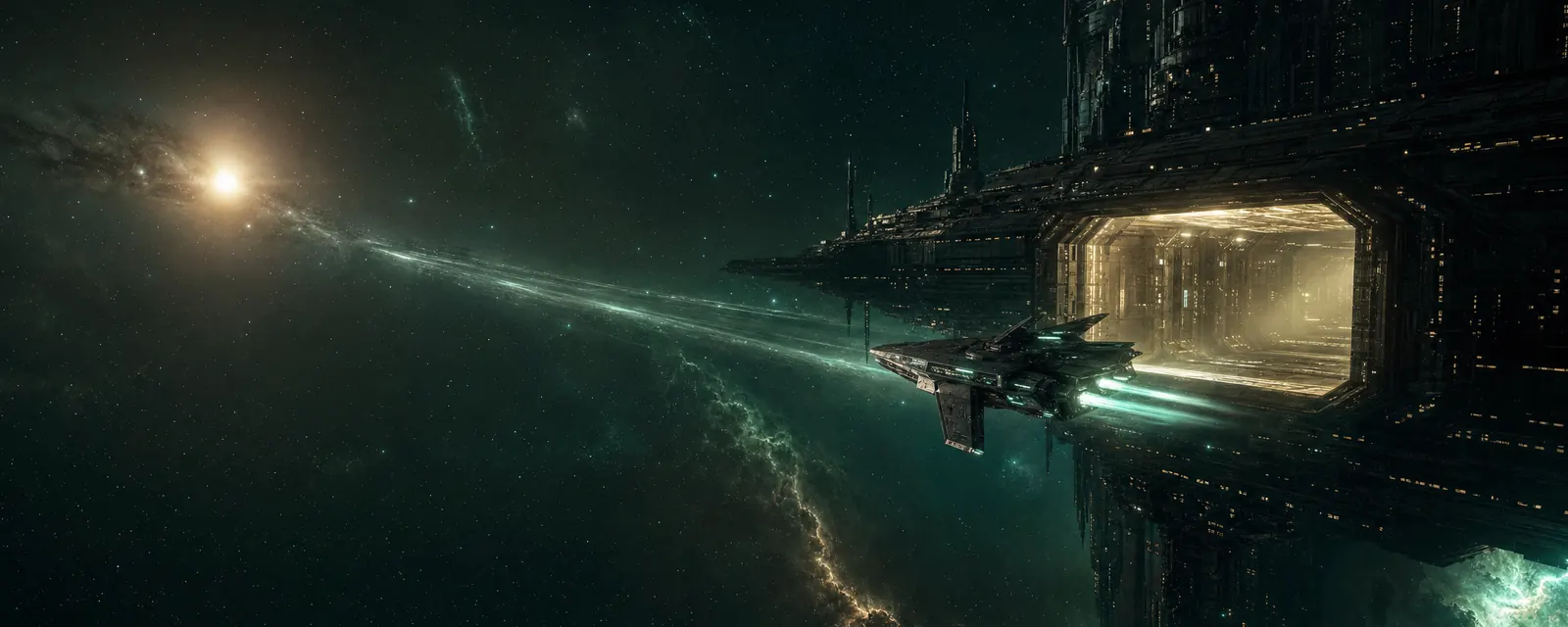
You start docked at Aurelis IV Station in Aurelis0.9, the Charter's starter system. You fly by giving orders, not by steering: pick a point or an object and tell your ship what to do. Short hops are flown under your own engines. Anything farther than 150 km is a slip, a fast jump along a straight line. Span gates take you to the next system.
Steps
- Press Undock in the station panel. Show mePlay to try this
- Double-click empty space to fly that way, or press M to place a move marker.
- Select a destination in the Scope and press S to slip there. Show mePlay to try this
- Select a station and press D to dock. Dock at the nearest stationPlay to try this
Moving under your own engines
- Click an object to select it. Click empty space to clear the selection.
- Double-click empty space to fly in that direction.
- With something selected: Q approach, W orbit, E keep at range, A align.
- S stops the ship when nothing slip-able is selected. Ctrl + Space always stops.
- Drag with the right mouse button to turn the camera. The wheel zooms. F looks at the selected object; press it again to look back at your ship.
The move tool
Press M to drop a marker in space. Move the mouse to set the distance on the flat plane, and hold ⇧ to raise or lower it. Click to confirm. Right-click or Esc cancels. It's the precise way to park somewhere that has no object to click.
Slipping
A slip is how you cross a system. Select a station, planet, belt, gate or site and press S, or pick Slip to in the Scope or the radial menu. Your ship first aligns: it turns and speeds up toward the destination. Then it slips. While the slipstream is active you can't steer, fire or lock.
The destination must be at least 150 km away. Closer than that, fly there. Gates and stations drop you near enough to use them.
Docking and jumping
D is the "use" key. On a station it docks, on a Span gate it jumps, on a wreck it opens the cargo. If you're too far away, your ship flies there first and then acts. Both docking and jumping work within 2,500 m.
- Docking repairs your shield and reactor. Armor and hull damage stays until you pay for a repair at the station.
- You can't dock while your engagement timer runs, which starts whenever you fire on someone.
- Jumping moves you to the system on the other side. You arrive cloaked for up to 30 seconds, or until you move, lock something or activate a module. Use it to look around first.
Routes and autopilot
Open the Star MapPlay to try this to see the whole Reach. Pick a system and set it as your destination; the gates on your route light up in the Scope. Turn on autopilot and your ship slips and jumps gate by gate on its own, even if the tab is in the background.
Set a route to VeyraPlay to try thisChoose prefer safer to avoid Frontier and Void systems when another route exists. Autopilot never fights back, and any manual order (approach, slip, dock) turns it off.
Controls at a glance
Press H any time for the flight controls. Esc closes the top window, then resets the camera, then opens Settings. ↵ opens chat on the System channel. ? opens this Handbook.